IBO Player: where your IPTV subscription meets a premium player
Step into IBO Player, the media player built for the living room. Live TV with a real guide, movies and series the Netflix way, recordings, profiles and parental controls, on your TV, your stick and your phone. Try everything free for 3 days.
Getting started
Up and running in four steps
- 01
Download
Install IBO Player from the Downloads page on your TV, stick or phone.
- 02
Add your playlist
Enter the Xtream login, M3U link or Stalker portal your provider gave you.
- 03
Enjoy 3 days free
Everything is unlocked. Your device key is under Settings → Subscription.
- 04
Activate
Sign in on this site with the MAC address and device key the app shows, and activate your device in minutes.
Our features
Pro-grade playback for every screen you own
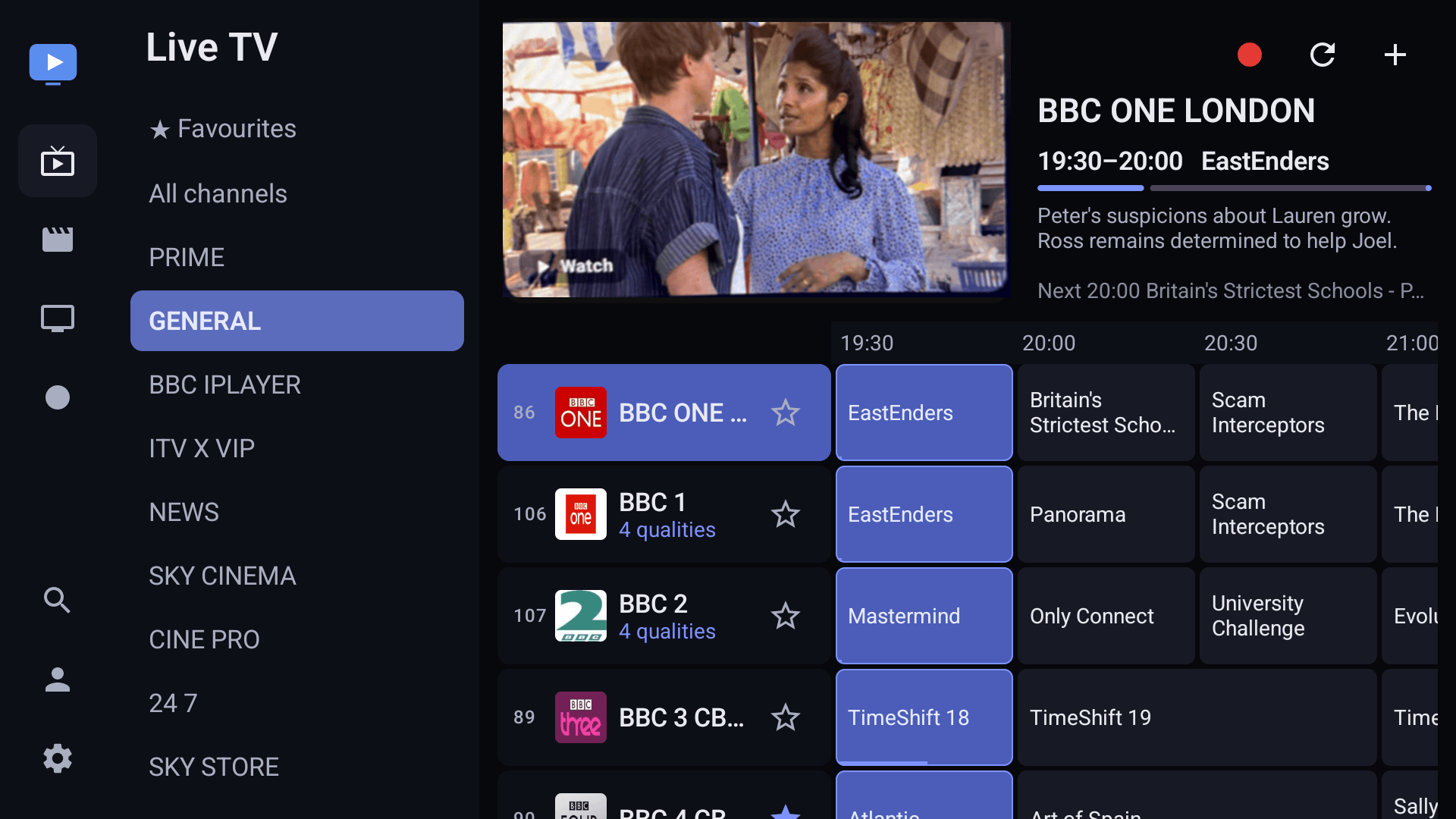
Any screen, any time
Seamless streaming across every screen
One app for the living-room TV, the Fire TV stick in the bedroom, the tablet and the phone. The same guide, the same favourites, the same place you stopped watching.
- Android TV, Google TV and Fire TV first
- Phones and tablets with touch controls
- Made for the remote: every screen works with a D-pad
Movies and series
A premium, Netflix-style experience for your own playlist
Rows of films and shows with artwork, continue watching, resume where you left off, episode tracking and a profile per person in the house.
- Continue watching across devices
- Per-profile history and recommendations
- Subtitles and audio track selection
Guardians of content
Parental controls you actually control
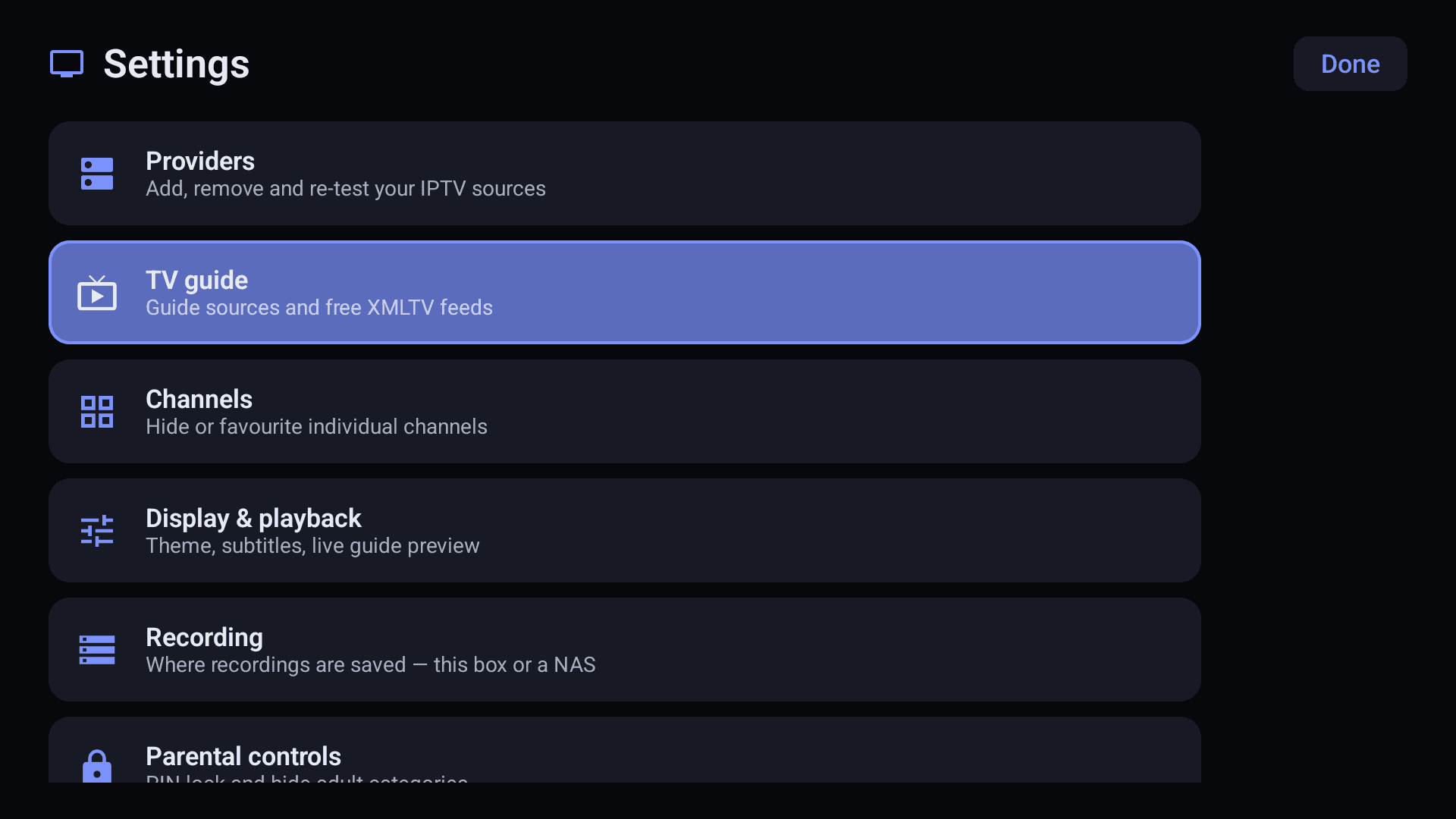
Hide categories behind a PIN, keep separate profiles for the kids, and lock the settings so nothing changes while you are away.
- PIN-protected categories
- Kid-safe profiles
- Hidden channels stay hidden everywhere
Streaming confidence
Built for the way IPTV really behaves
Streaming confidence
Deep buffers tuned for IPTV sources, smart retries when a provider hiccups, and clear messages when something is really wrong.
A guide that stays put
The programme guide refreshes in the background and never wipes itself. Reminders and catch-up where your provider offers it.
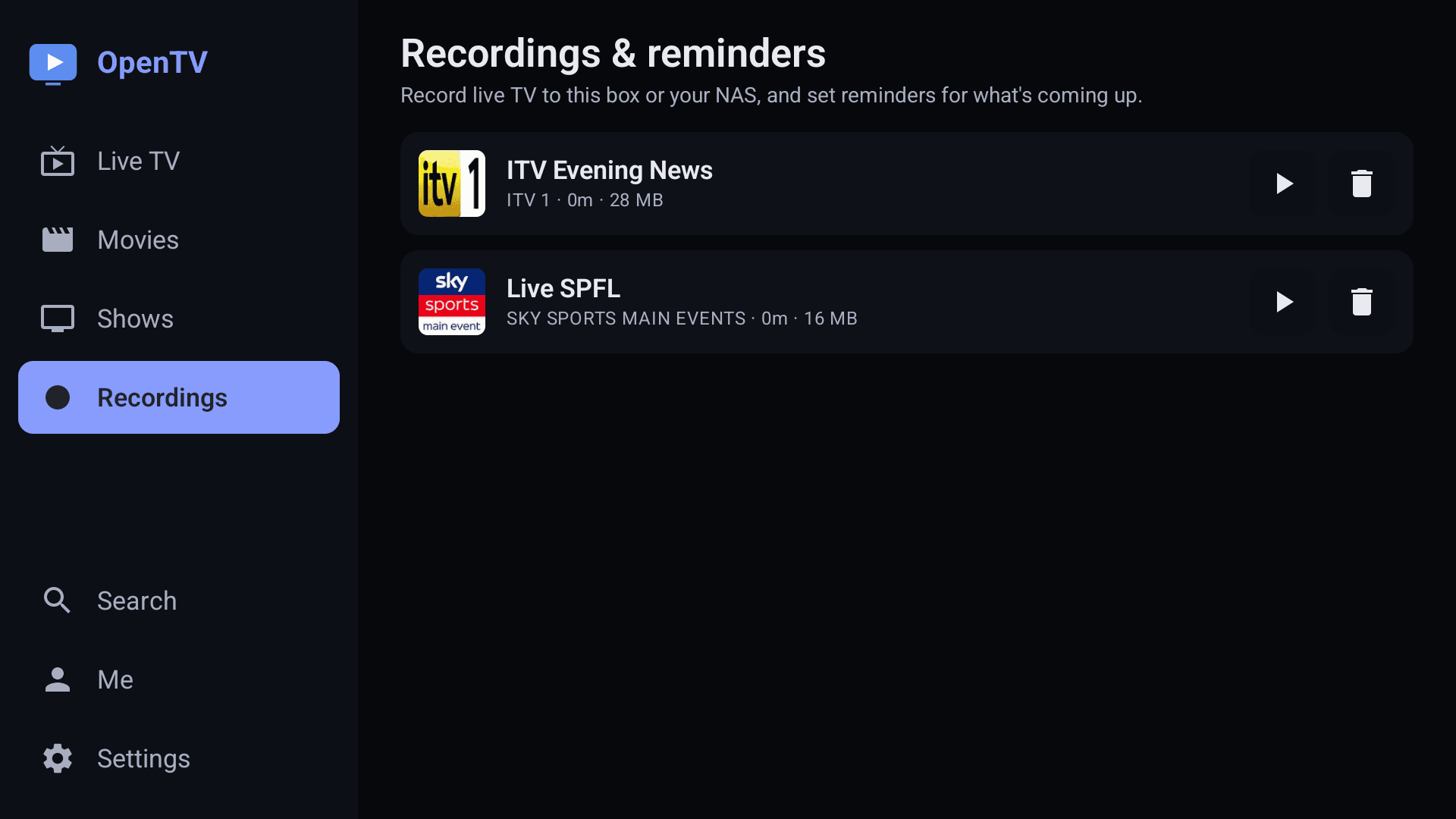
Record like a DVR
Record to the box, a USB drive or your NAS. Series links, padding, and watch while it is still recording.
Private by design
Your playlist and credentials stay on your device. We only ever see a device key.
Help
Frequently asked questions
Does IBO Player include channels or playlists?+
No. IBO Player is a media player, like a television set. You connect the IPTV service you already pay for. We do not sell, host or recommend content.
Where do I find my MAC address and device key?+
The app shows both on its Activate your device screen and under Settings. Together they sign you in to your device page on this site. Keep the device key private.
How long is the free trial?+
3 days from the first time the app connects to the internet. Reinstalling does not restart it.
Why can't I start the app after the trial?+
The device is waiting for activation. Sign in on this site with your MAC address and device key, open Activate device, and it unlocks as soon as the activation is confirmed.
My playlist freezes or won't open. What can I do?+
Check that your playlist is active and not limited to another device by your provider. For privacy reasons we never see your playlist, so we cannot fix it for you, but our Support page lists the usual causes.
I changed my TV or reinstalled the app. Do I pay again?+
No. Use Device recovery: send us the old and the new key and we move your subscription once.
Still stuck? Visit Support or contact us.
Become a reseller today
Exclusive pricing in credits, your own panel to activate clients and issue codes, and a referral link that attributes every sale to you.